Add your knowledge.
Choose PDF, Word, text, or Markdown files from your computer. Build a library around what matters to you.
PDFDOCXTXTMD
 Custom AI
Upload your own knowledge or documents and get AI insight. All locally on your computer—the AI model runs right from your PC.
Custom AI processes your knowledge locally. The files you add and the questions you ask about them are handled on your computer—not sent to our servers for answers.
Once installed with its included AI model, document search and answer generation work locally. There’s no need to upload your knowledge to a cloud AI service.
Your files
Custom AI
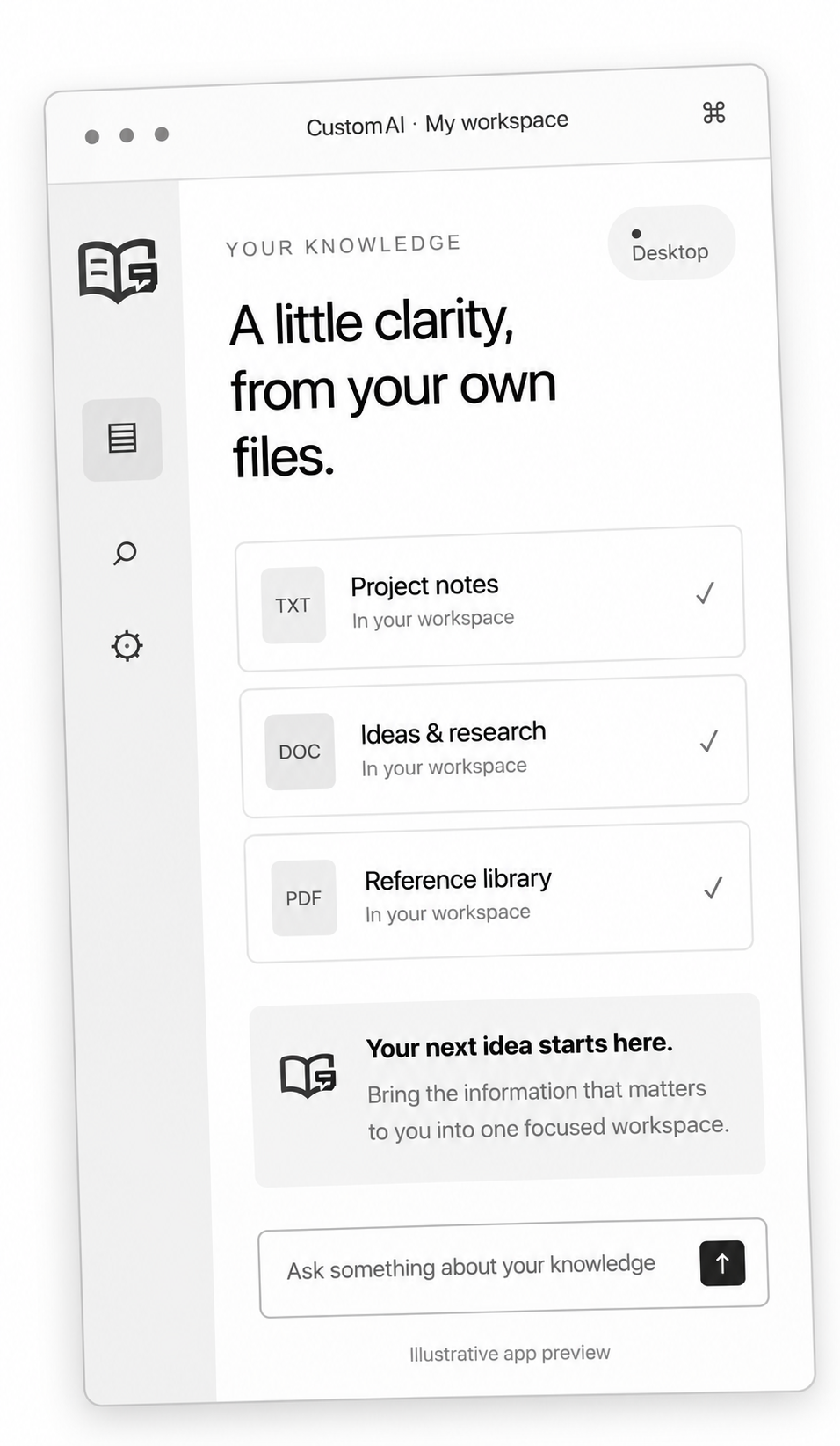
Your notes, reference material, and working documents—brought into a conversation you can follow.
Choose PDF, Word, text, or Markdown files from your computer. Build a library around what matters to you.
Look for a specific detail, get an overview, or explore an idea. No special commands needed.
Read responses as they appear and inspect retrieved passages. Keep the source material close as you think things through.
Ask a question. Put your knowledge to work. Find answers in your documents and turn your knowledge into useful insights—all locally on your own computer.
Custom AIIllustrative conversation with sample documents. This website demo does not read or upload your files.
Bring your procedures, project briefs, and reference guides into a local workspace for your own work.
Custom AI supports PDF, DOCX, TXT, and Markdown files. PDFs need readable text; image-only scans are not currently supported through OCR.
No. In the current Custom AI app, document indexing, retrieval, and AI answer generation happen locally. Your files stay stored on your computer.
Yes. You can use Custom AI with your business knowledge, such as procedures, reference guides, and project notes. It is a local app for your computer, not a shared team cloud workspace.
After the app and its included model are installed, its document search and AI answers run on your computer. You don’t need a cloud AI connection to ask questions about your knowledge.
Yes. AI can make mistakes. Review the retrieved document passages and confirm important claims against your original sources. Overviews of large libraries may cover selected sections rather than every page.